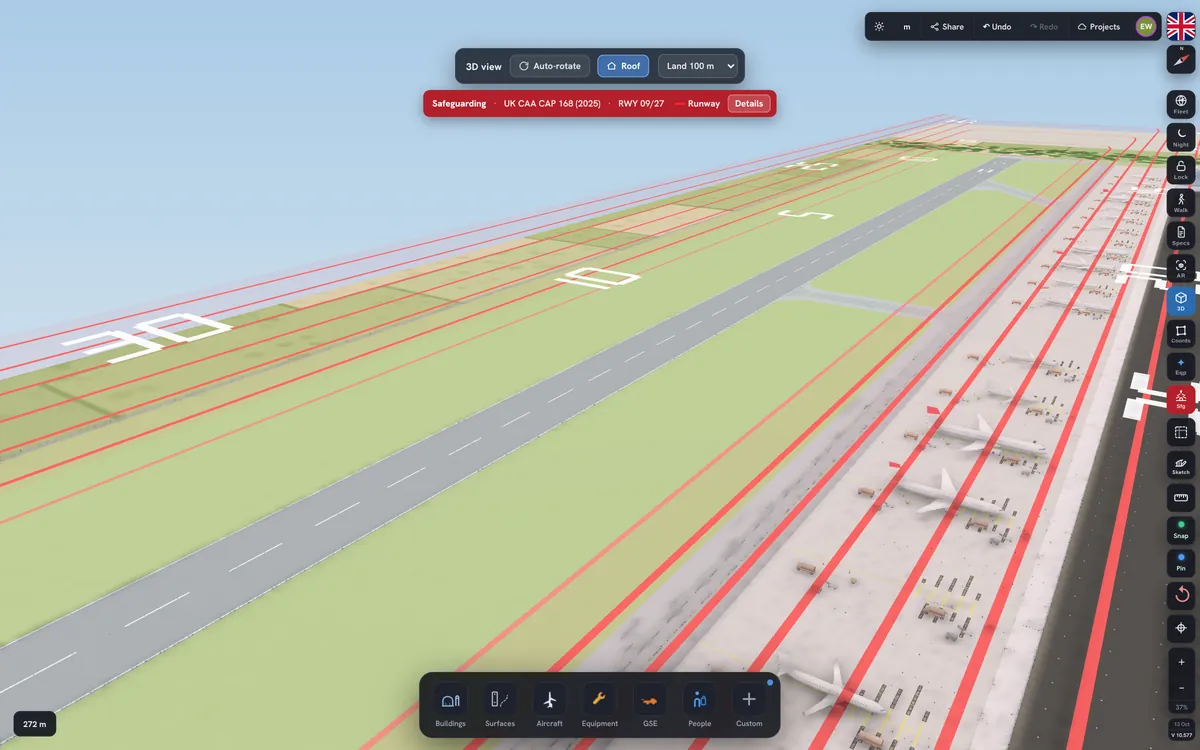
Lay out runways, terminals, gates, cargo, hangars and roads on real satellite imagery — they snap together like the real thing. Walk it in 3D, check safeguarding heights, cost the build, hand out architect-style sketch sheets and plan it with your whole team.

From the first sketch to a costed plan you can hand to a contractor — and then run the operation from it.
Search an airport or paste a Google Earth or Maps link. The satellite photo, scale and coordinates are set for you.
Buildings meet the road at the kerb, cargo terminals join their warehouses wall to wall, taxiways lead into every stand and junction corners tighten next to a building.
Hangars, aprons and taxiways sized to ICAO codes A–F, with doors, cranes, docks and auto-equipped Part-145 floors.
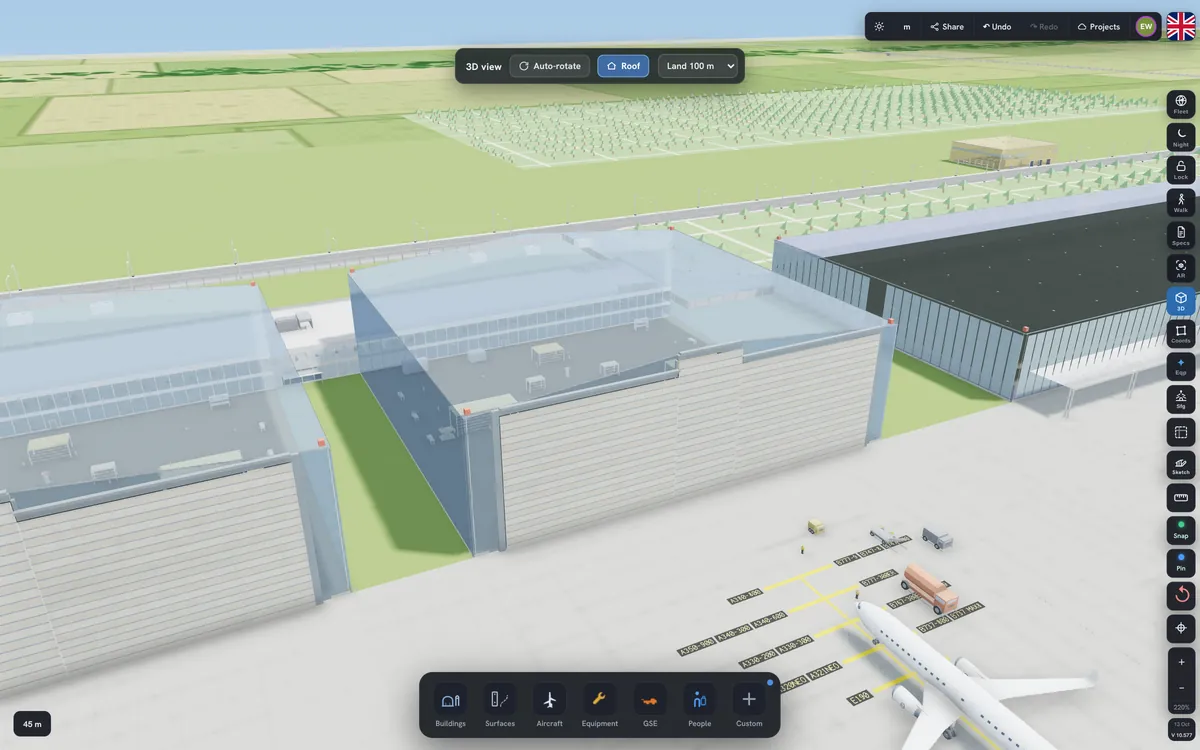
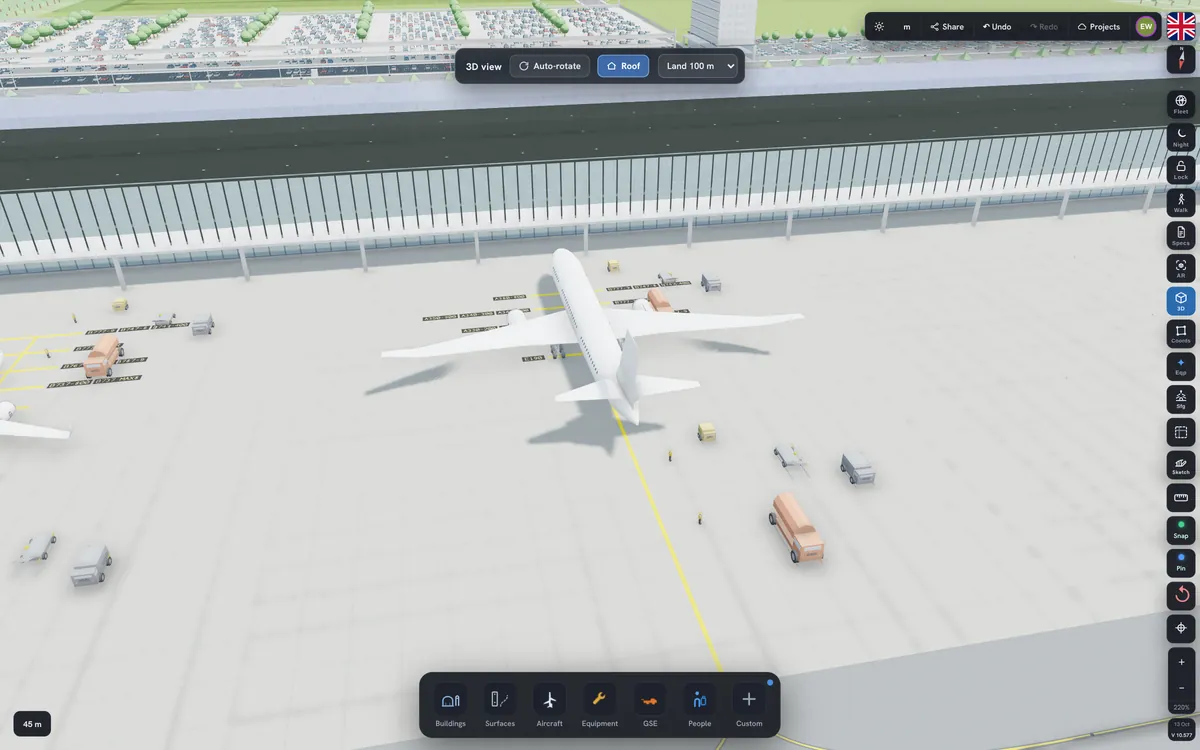
Real-time 3D with sky reflections and soft shadows. With Pro, walk inside the hangars, switch to night lighting or place the plan on a table in AR.
Obstacle limitation surfaces drawn automatically for your runways, with every building and parked aircraft checked.
Material and labour for every building and surface, regional prices, live currency, an Excel bill of quantities and a spec book.
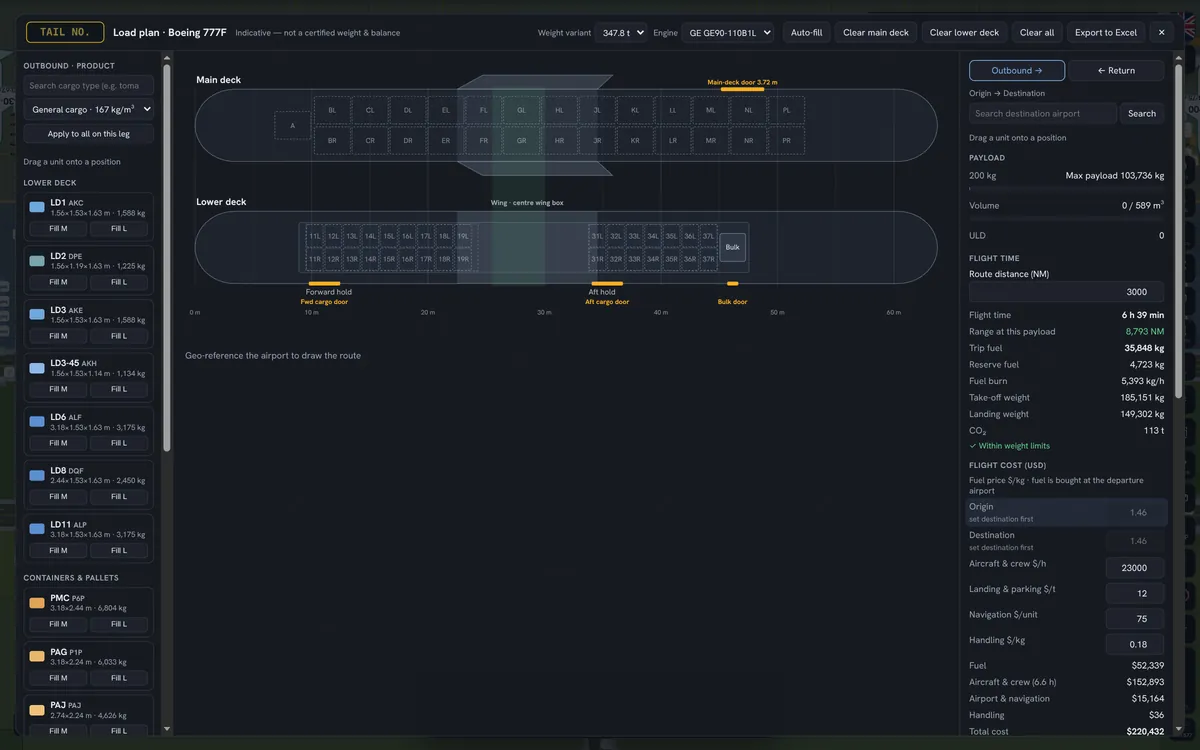
Load plans on real deck maps, payload–range charts, trip fuel, cost per kg and margin for every route.
Your aircraft on a world map. Take-offs leave the plan, landings park on a free stand — or in a hangar when maintenance is due.
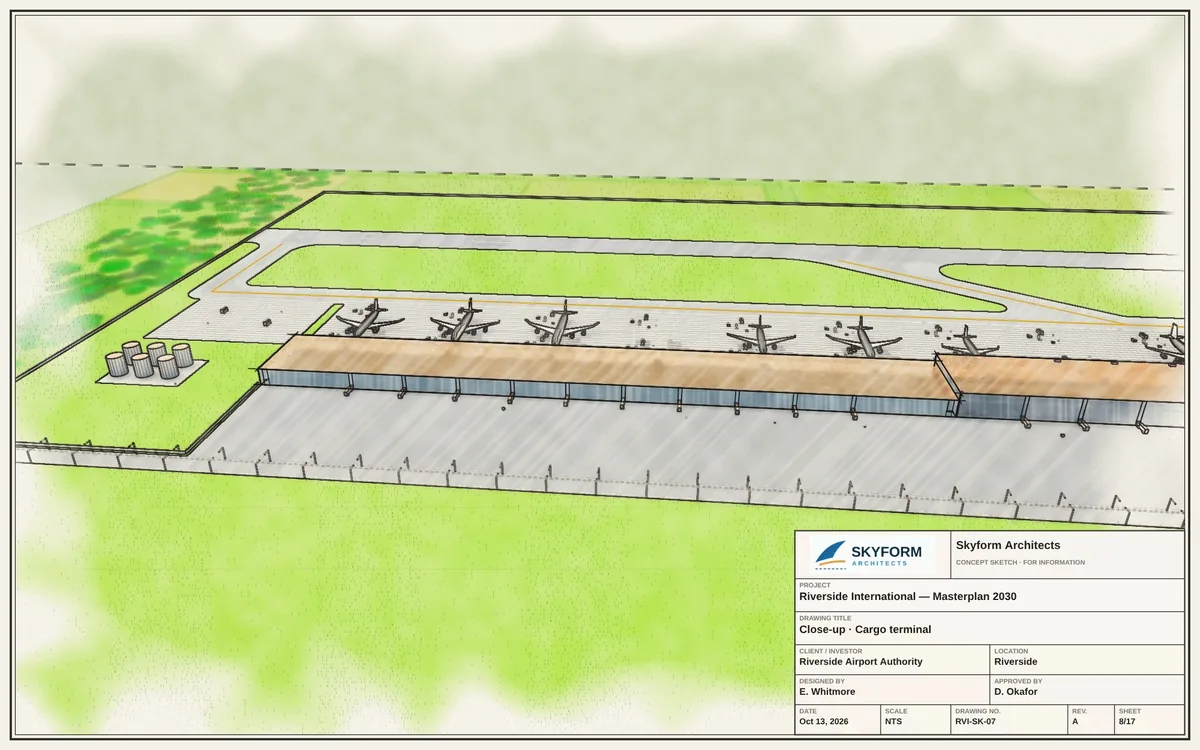
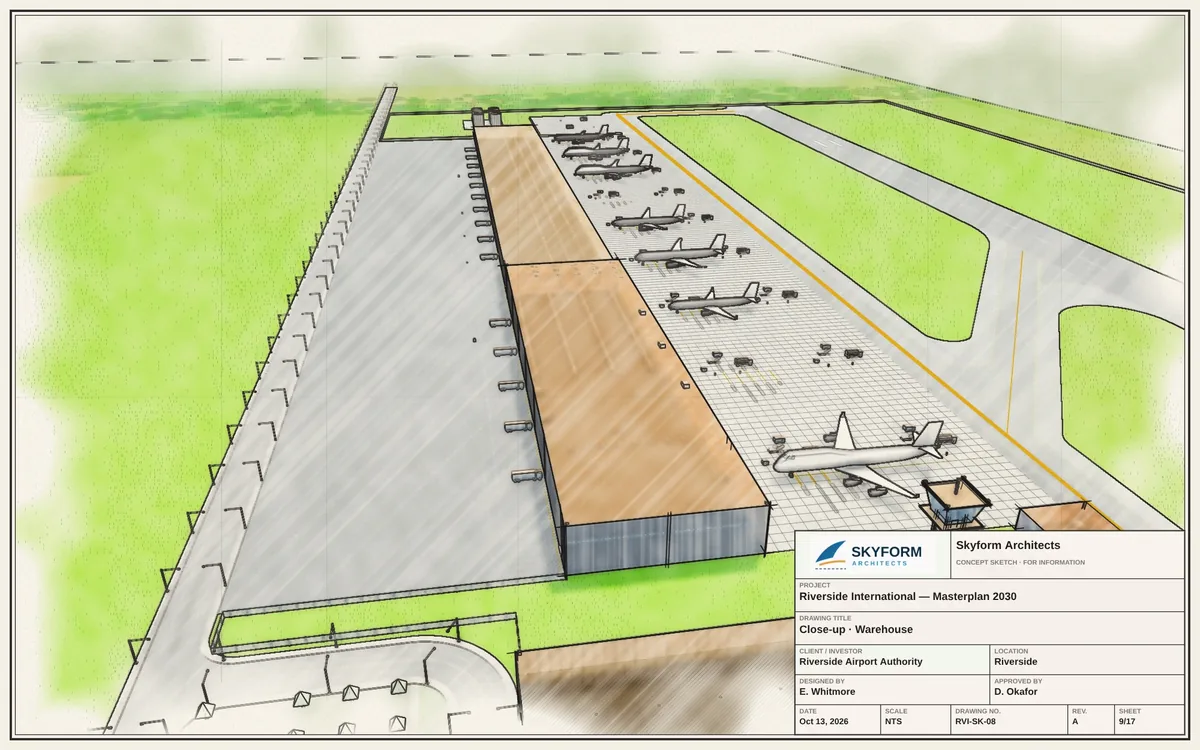
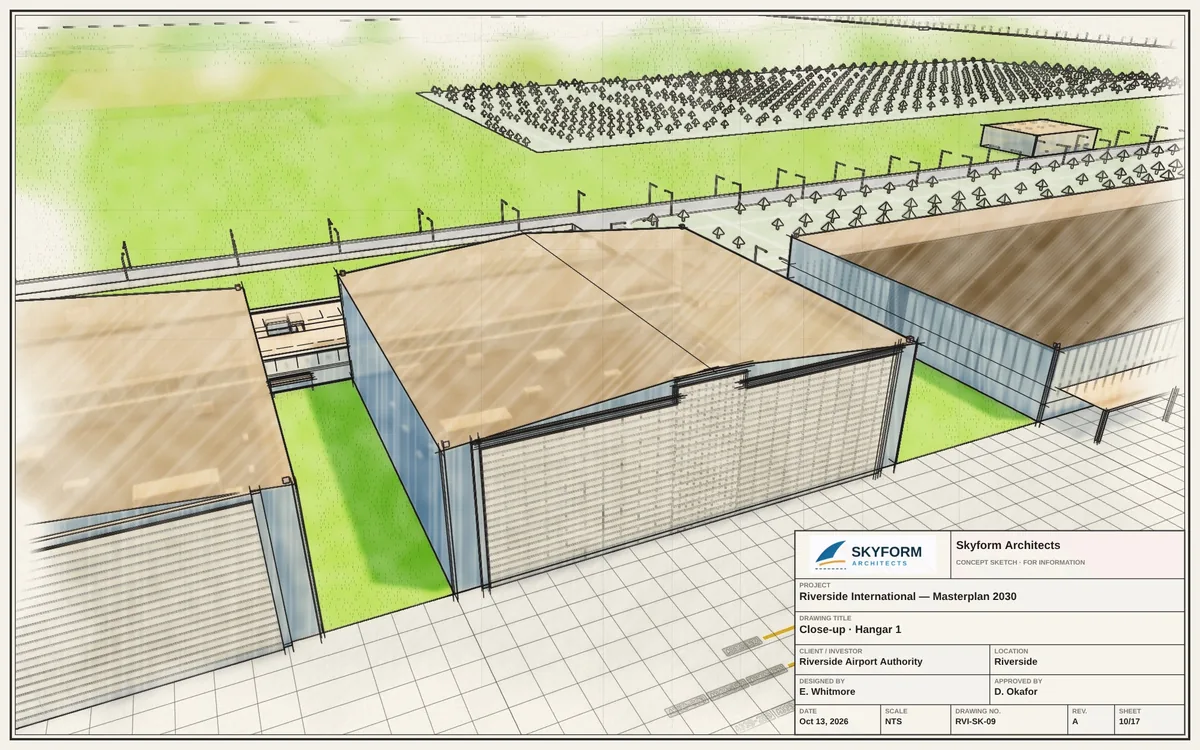
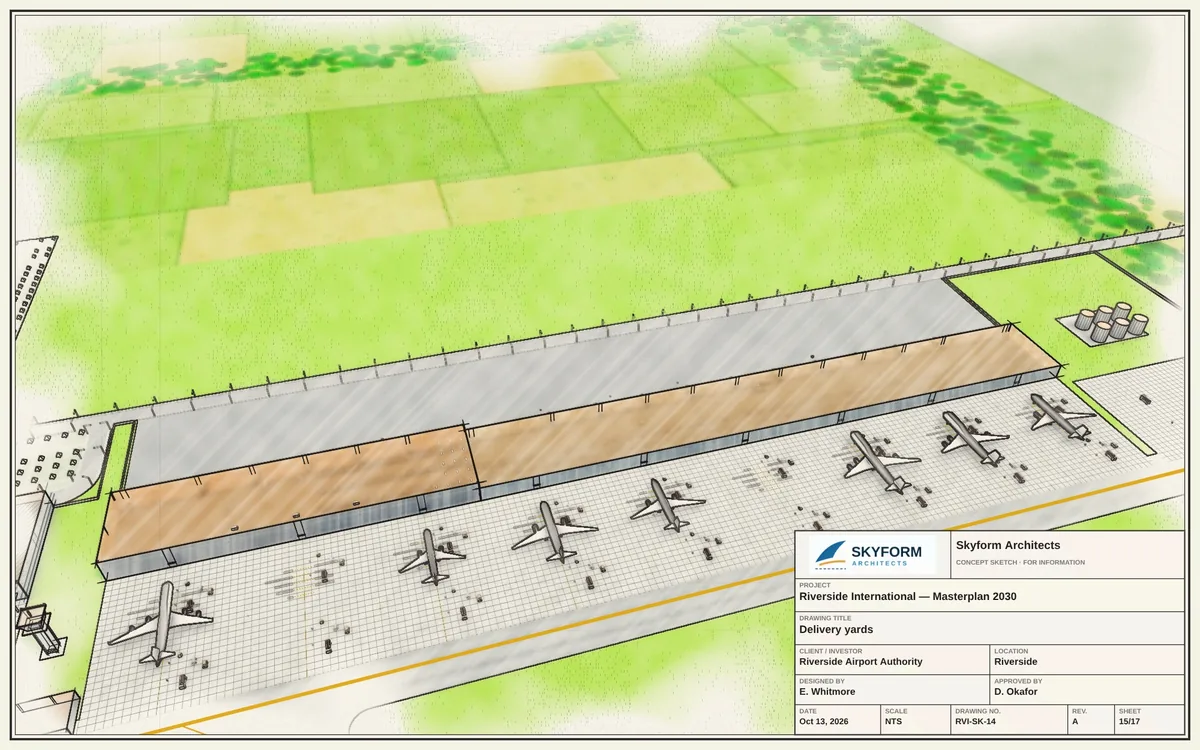
One click turns the plan into an architect's sketch set — watercolour, marker or pencil — with your title block and logo on every sheet.
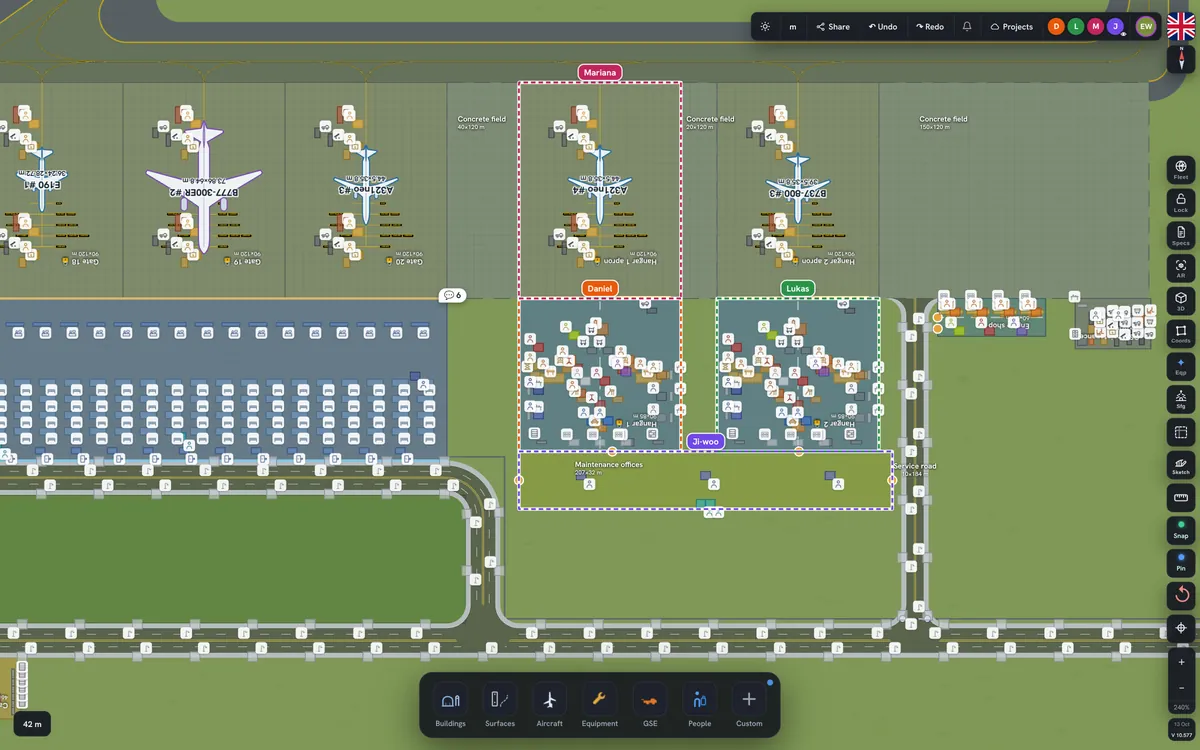
Plan together, live. Comment on any building, get a bell when someone replies and see who is working where.
Draw your land parcel from survey coordinates — WGS84 latitude and longitude or British National Grid — and plan inside the line.
Every project is saved to the cloud automatically — open it on any computer with your account. Export to .alp, KML, PNG or a 1080p video tour.
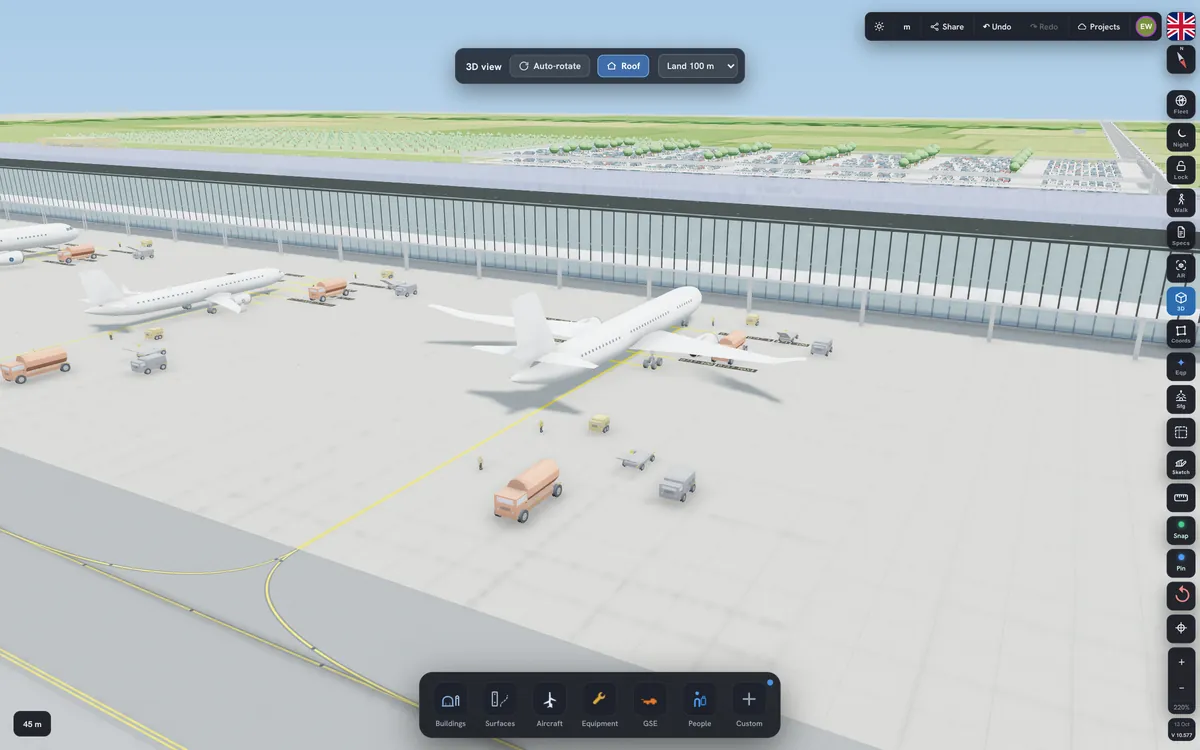
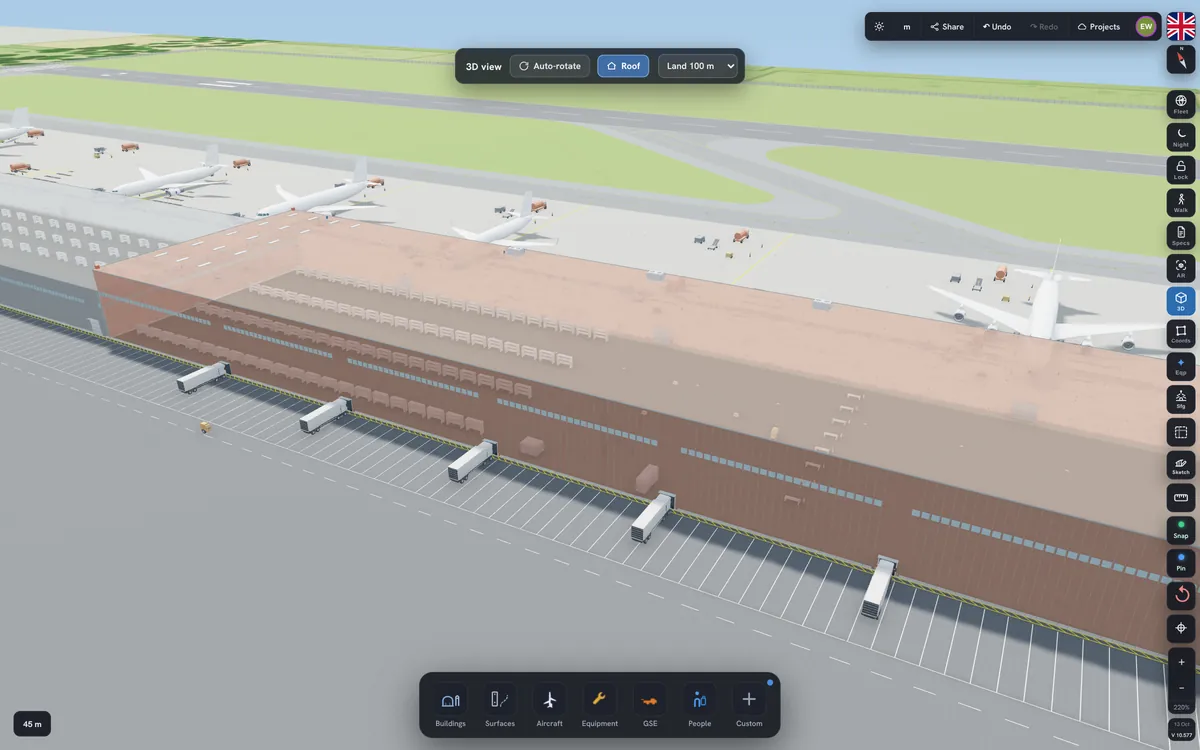
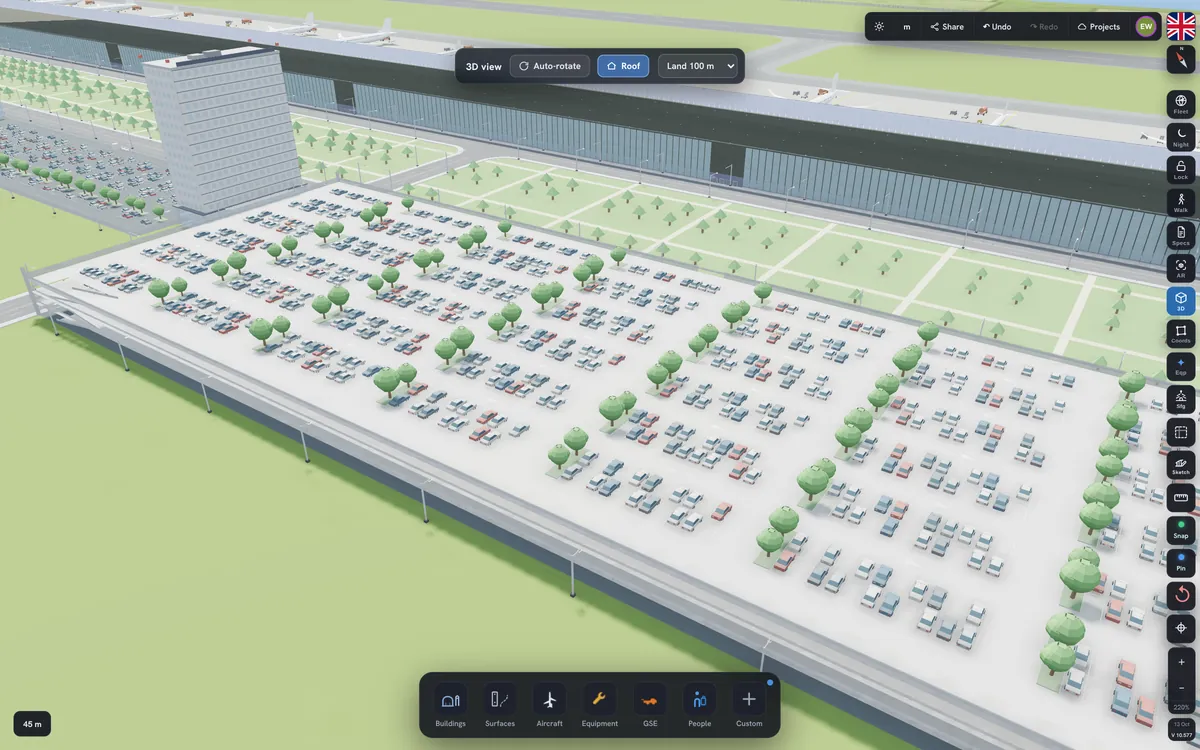
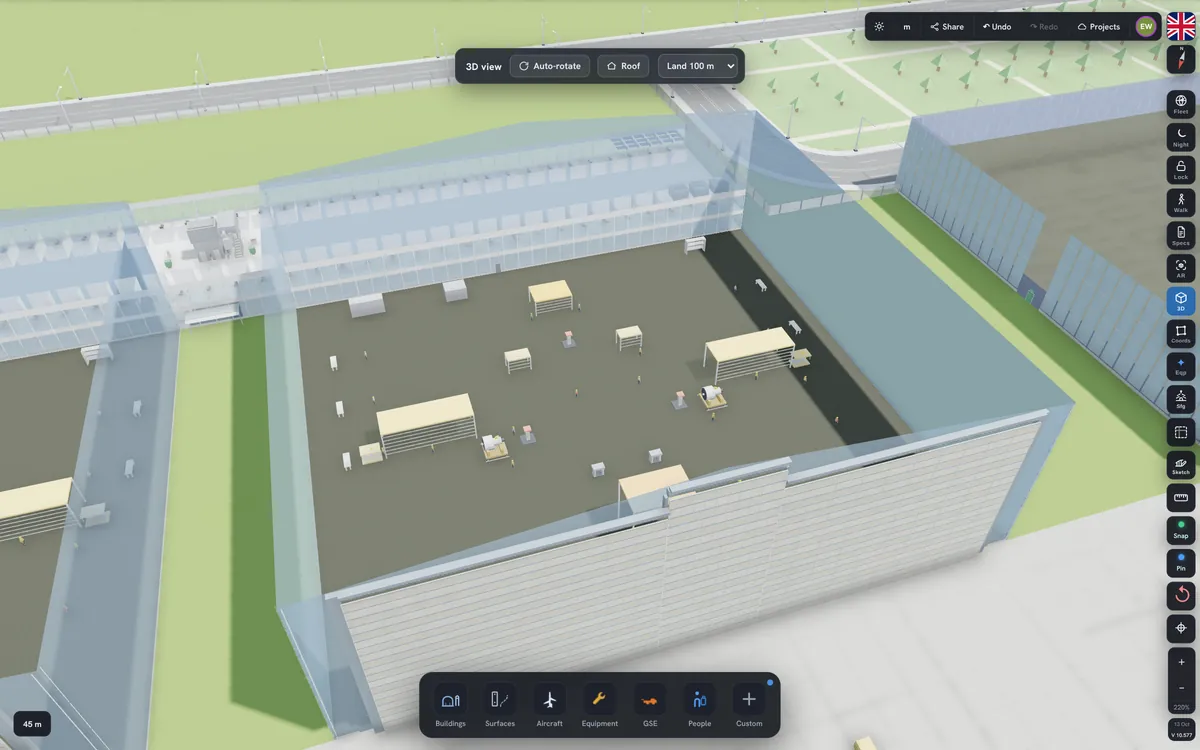
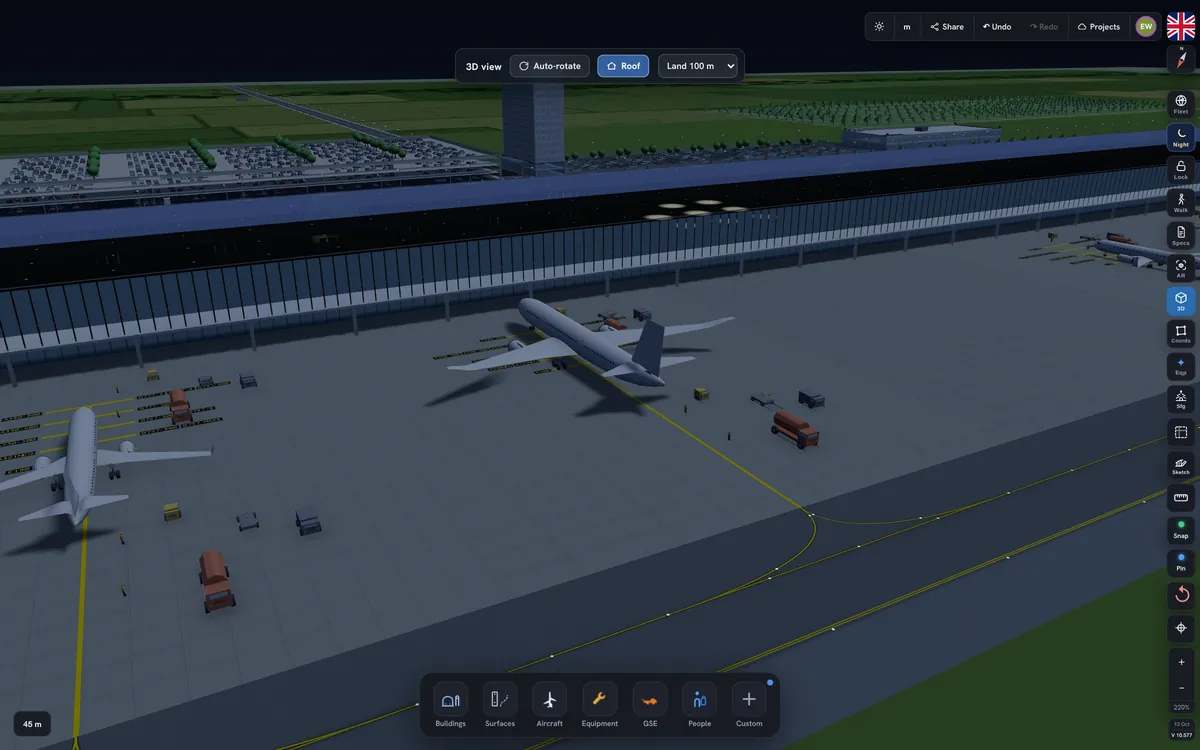
Fly around the site, take the roof off a hangar and see the aircraft in its docks, open the doors — or record a 1080p fly-through to send to the board. With Pro, walk through it at eye level, switch to night lighting and place it in AR.

The sketch pack draws your whole project the way an architect would: an overview, the view from the runway, the approach, eye-level views, the plan and close-ups — in watercolour, marker or pencil.
Sheets shown: Skyform Architects, a fictional firm.


Share a project and work on it at the same time. Everyone sees changes live, comments sit on the building they are about, and the bell tells you when someone answers.
A fictional demo team.

Start a team project and share it.
Edit with the team — Pro or Expert.
View and comment — free, on any plan.
Drop LD3s and pallets onto real deck maps of 18 freighters and watch weight, balance, fuel and profit update as you load.

Register your aircraft once. Their positions arrive every few minutes on a world map, and your airport plan follows: when an aircraft takes off it leaves its stand; when it lands, it is parked on a free stand that fits — or in a hangar if maintenance is due.

Obstacle surfaces follow ICAO, FAA or your national authority, with navaids flagged for review. The same plan prices itself: concrete, steel, cladding, M&E and labour, in your region and currency.

Basic is free. Prices in US dollars per month, excluding VAT where it applies; yearly plans are billed once a year. Online payment opens soon — until then, our team activates Pro and Expert on request from your account.
No. It runs in your browser on desktop, tablet and phone. You only need a free account.
In the cloud, automatically. Every change is saved to your account a few seconds after you make it, so your projects open on any computer you sign in on. If the connection drops, your changes wait safely in the browser and are saved as soon as you are back online. Basic keeps up to 3 projects, Pro and Expert any number. You can also export an .alp file at any time.
They move to your cloud account automatically the next time you open the app, and leave the browser once they are safely saved. Basic keeps up to 3 projects in the cloud; any others stay in that browser, where you can save them to a file — or keep them all by upgrading to Pro.
The owner needs Expert to start and share a team project. People who edit need Pro or Expert. People who only view and comment can be on any plan, including free Basic.
They are planning estimates from manufacturer data, published standards and market prices. Every price can be edited to match your own quotes. Load plans are indicative and not a certified weight and balance.
From aircraft transponders (ADS-B and Mode-S) received by a flight-data network. Positions update every one to a few minutes; aircraft out of receiver coverage show their last known position.
Yes, any time, from your account. Your plan stays active until the end of the period you paid for.